
In this article
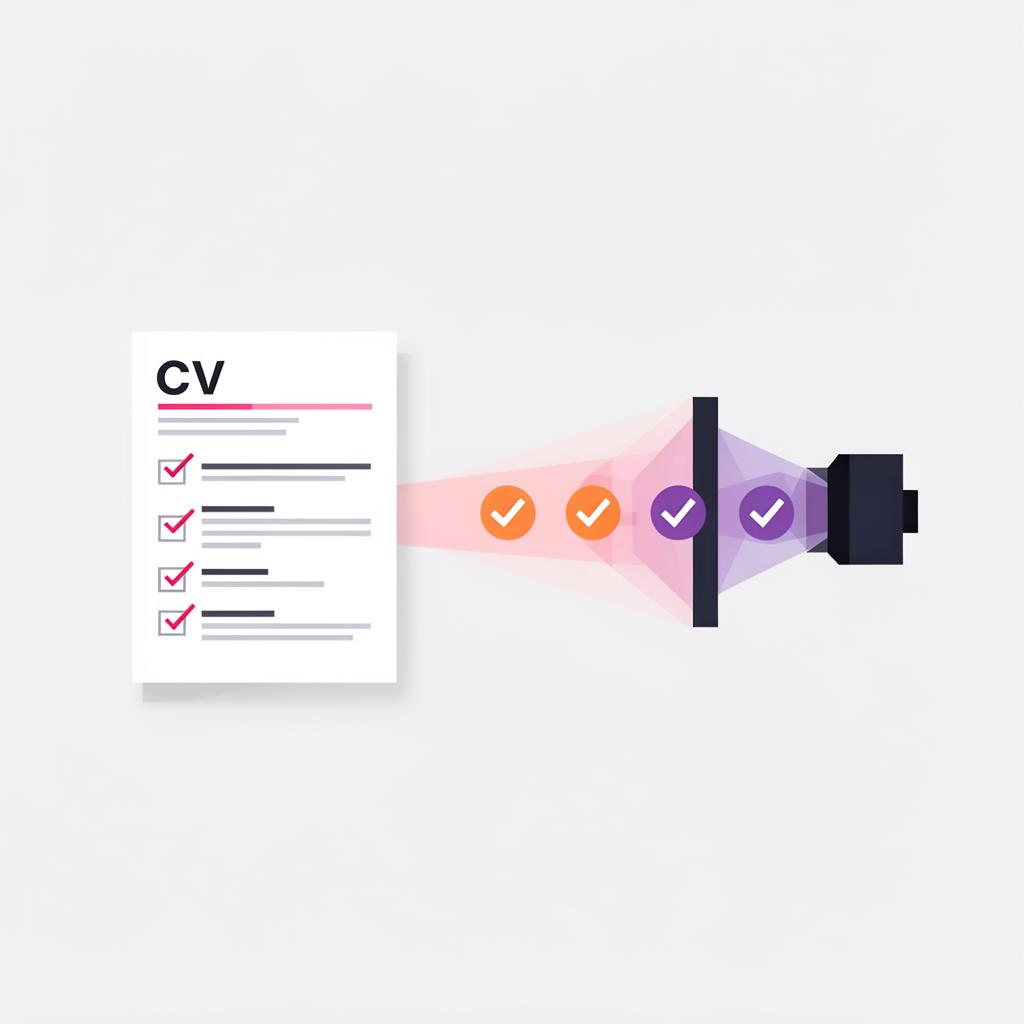
Many applicants never reach a human reader because their CV fails automated screening. An ATS friendly CV is not a design brief; it is a document formatted and worded so parsing software extracts the right information, and a recruiter can assess fit in seconds. When your CV is unreadable to the system, you lose interviews regardless of your experience.
This article explains what an ATS friendly CV means in practice. It focuses on the formatting, keywords and structure that actually change outcomes. I will show how to stop common parsing errors, how to introduce role specific language without keyword stuffing, and how to build a simple template that works for both software filters and hiring managers.
Recruiter perspective: how ATS screening works in real hiring
Applicant tracking systems perform three basic tasks. They store candidate records, parse CV text into fields, and apply rules or keyword matching from a vacancy. Recruiters then search and filter the candidate set the system returns. The initial screen often determines whether a CV is ever opened by a human.
Parsing is literal. If the CV places dates inside image objects or splits job titles across columns, the ATS will misread or drop those fields. A well parsed CV shows clear job titles, employers, dates and location entries. That is what recruiters search for when they narrow a long list to a short list.
Recruiters still rely on human judgement to confirm cultural fit, managerial capability and career narrative. An ATS friendly CV reduces friction, so recruiters spend time assessing substance rather than fixing formatting or guessing at experience. The best CVs perform twice. They pass the ATS and then make the recruiter's job simple when opened.
There is a difference between compatibility and appeal. Compatibility means the software can extract key fields reliably. Appeal means the CV uses searchable keywords and measurable outcomes so the recruiter can justify progressing the candidate. Both matter. You must write for the machine and the person in sequence.
Why candidates struggle to create an ATS friendly CV
Candidates make predictable mistakes that block parsing and obscure relevance. Overdesigned templates with multiple columns or decorative elements cause data loss during parsing. Graphics, icons and headers that sit in images are invisible to parsing engines.
Vague job titles and generic summaries are another common problem. If your CV says "Consultant" but the role sought is "Change Management Consultant", the ATS may not register the match. Recruiters look for exact or close matches to the language used in the vacancy.
- Relying on stock phrases. Generic wording does not signal specific skills or achievements, and it inflates similarity scores without substance.
- Hiding key information in text boxes, sidebars or tables. Many systems ignore those areas entirely.
- Failing to tailor. Sending the same CV to multiple roles weakens keyword relevance and reduces hireability.
Understanding how job descriptions influence matching is practical. Recruiters do not expect a perfect semantic match. They expect to find the role title, core skills, and examples of impact using employer language. The easier you make that discovery, the more likely your CV moves forward.
Prioritise the top three terms
When applying, identify the three non negotiable terms from the advert, such as a specific software, a licence or a seniority level, then ensure those terms appear in your job title, profile and an achievement bullet. Recruiters scan for those signals first.
How to format an ATS friendly CV
Simplicity is the primary formatting rule. Use a single column, left aligned layout. The ATS reads linearly, so complex layouts break that flow. A single column ensures the parser encounters headings and content in the expected order.
Standard section headings help parsing and recruiter scanning. Use Profile or Summary, Work Experience, Education, and Skills. Avoid creative headings such as Career Story or My Toolkit, because some systems map only standard labels to fields.
- Do not use tables, text boxes, icons or images to present core information. Place dates, job titles and employer names in plain text lines.
- Choose a common font such as Arial, Calibri or Times New Roman, and keep font sizes consistent for headings and body text.
- Use clear date formats, ideally month and year. For example, Mar 2018 to Jul 2022. Avoid ranges inside sentences that mix words and numbers unpredictably.
- Save in the format requested. If the employer asks for PDF, provide a text-based PDF. Many systems accept Word. If unsure, use a .docx saved without advanced layout features.
Make contact details easy to find at the top. Include a professional email and one phone number. Avoid embedding contact information in headers or footers as some ATS versions do not parse those areas reliably.
How to use keywords effectively without overstuffing
Identify priority keywords from the job description first. Read the advert and note required skills, software, certifications and variant job titles. Map three to five priority terms you must include because they are decisive for the role.
Use exact terms where they are accurate. If the job requires "Salesforce" experience, state Salesforce explicitly and indicate the level or modules you used. If it requires "strategic workforce planning", include that phrase and link it to a measurable outcome.
- Embed keywords naturally inside achievements. For example, write "led a Salesforce CRM migration, reducing lead processing time by 28 percent", not "Salesforce, CRM, migration" as a bare list.
- Match employer language but do not copy the advert verbatim. Recruiters notice when a CV mimics the job posting without providing evidence.
- Balance keywords with clarity. Use variations where appropriate, for example programme management and program management, but keep the primary employer term visible.
- Tailor the CV version for each application. Prioritise keywords according to the vacancy rather than sending a generic master CV.
Keyword density matters less than placement. A keyword in a job title, a bullet under work experience, and in the profile carries more weight than repeated mentions in decorative lists. Place career critical terms where the ATS will interpret them as field values.
See how your CV performs with recruiters
Upload your CV for a free review and get a score out of 100 based on ATS and recruiter expectations.
Treat dates and job titles as critical data
Always place job titles, employer names and dates on a single line in plain text. If the ATS cannot locate tenure information, the CV will be deprioritised. I have discarded otherwise strong candidates because dates were embedded inside images.
How to build an ATS friendly CV template that still looks professional
An effective template combines a straightforward structure with concise, outcome focused content. It should be quick to adapt for different roles and readable in less than a minute by a recruiter.
Essential sections include Profile, Core Skills, Work Experience and Education. Add Certifications and Technical Skills if they are relevant to the role. Place Skills after the profile or at the end depending on which is stronger for the vacancy.
- Profile: Keep it short, three to five lines. State your role, years of experience, sector focus and two quantifiable strengths linked to the role. For example, "Programme manager with 10 years in financial services, delivered three large scale regulatory programmes on time and within budget."
- Core Skills: Use a simple bullet list of ten to twelve items. Group similar items, for example Leadership, Budget Management, Stakeholder Engagement. Keep each item concise.
- Work Experience: For each role use employer, job title, location and dates in plain text lines. Under each role present two to five achievement bullets. Start bullets with a strong action verb and end with a measurable outcome where possible.
- Education and Certifications: List qualifications with awarding body and date achieved. Place professional licences and mandatory certifications prominently if they are role critical.
Formatting cues that help both ATS and recruiters include bolding job titles and employers, but avoid embedding that information in images. Use consistent punctuation and align bullets vertically so the document scans quickly on screen and on paper.
Real world examples and practical fixes
Example 1, poorly formatted CV. A candidate used a two column template where the left column held dates and the right column held role descriptions. The ATS discarded left column content, so dates were missing and the recruiter assumed short tenures. Fix, convert to single column, place dates on the same line as job title and employer, and resubmit.
Example 2, weak keyword usage. A CV listed responsibilities such as "responsible for client projects". The advert required "portfolio management" and "client retention strategies". Fix, rewrite bullets to show direct experience: "managed a 15 client portfolio, implemented retention strategies that improved retention by 12 percent year on year".
Example 3, generic summary. A candidate opened with a bland summary full of adjectives. The profile said little about sector or outcomes. Fix, replace with a targeted profile that references the hiring sector, primary tools and a quantified achievement. Recruiters then had evidence to shortlist against role criteria.
Example 4, hidden information. A CV embedded a copy of a certification as an image inside the document. The ATS did not register the certification and the application failed a filter for mandatory certification. Fix, list the certification in the Certifications section and attach the supporting file as requested by the employer.
These fixes are straightforward and often recover otherwise lost applications. The difference between being considered and being rejected is frequently a single formatting choice or a missing keyword in a job title line. Apply small corrections first, then refine wording to show impact.
Common Mistakes
Using decorative templates with columns and graphics
These templates often place key information in areas the ATS does not read. Use a single column and plain text for core fields, then add visual polish only if the employer explicitly allows it.
Vague or generic job titles
Generic titles hide relevance. If your role was effectively a product manager, do not list it only as consultant. Use a hybrid title if necessary, for example Consultant, Product Management, and explain the context in the bullets.
Keyword stuffing without evidence
Listing keywords in a block may trigger software but fails to persuade a recruiter. Integrate keywords into achievements that show impact and context.
Putting essential information in headers, footers or images
Many ATS versions do not parse headers or footers reliably. Place contact details and key qualifications in the main body so the system and recruiter can find them.
Submitting an identical CV to every vacancy
A generic CV loses relevance. Small tailored edits to the profile, skills list and two bullets per role significantly improve match scores and recruiter interest.
Focusing on duties rather than outcomes
Duties do not demonstrate impact. Replace duties with achievement statements that quantify results, timelines or money saved where possible.
ATS friendly CV checklist
- Use a single column layout with left aligned text
- Use standard section headings such as Profile, Work Experience, Education and Skills
- Place job title, employer and dates on the same line in plain text
- Include three to five priority keywords from the job description naturally in your bullets
- Avoid tables, text boxes, icons and images for core information
- Save the file in the format requested and use a text based PDF if required
- Tailor the profile and two bullets per role to the vacancy before applying
- Ensure contact details and mandatory certifications are visible in the main body
See how your CV is likely to be assessed in a competitive market.
Upload your CV and receive a structured recruiter review with a clear first read on positioning and fit.
See how your CV is likely to be assessed in a competitive market.
Upload your CV and receive a structured recruiter review with a clear first read on positioning and fit.